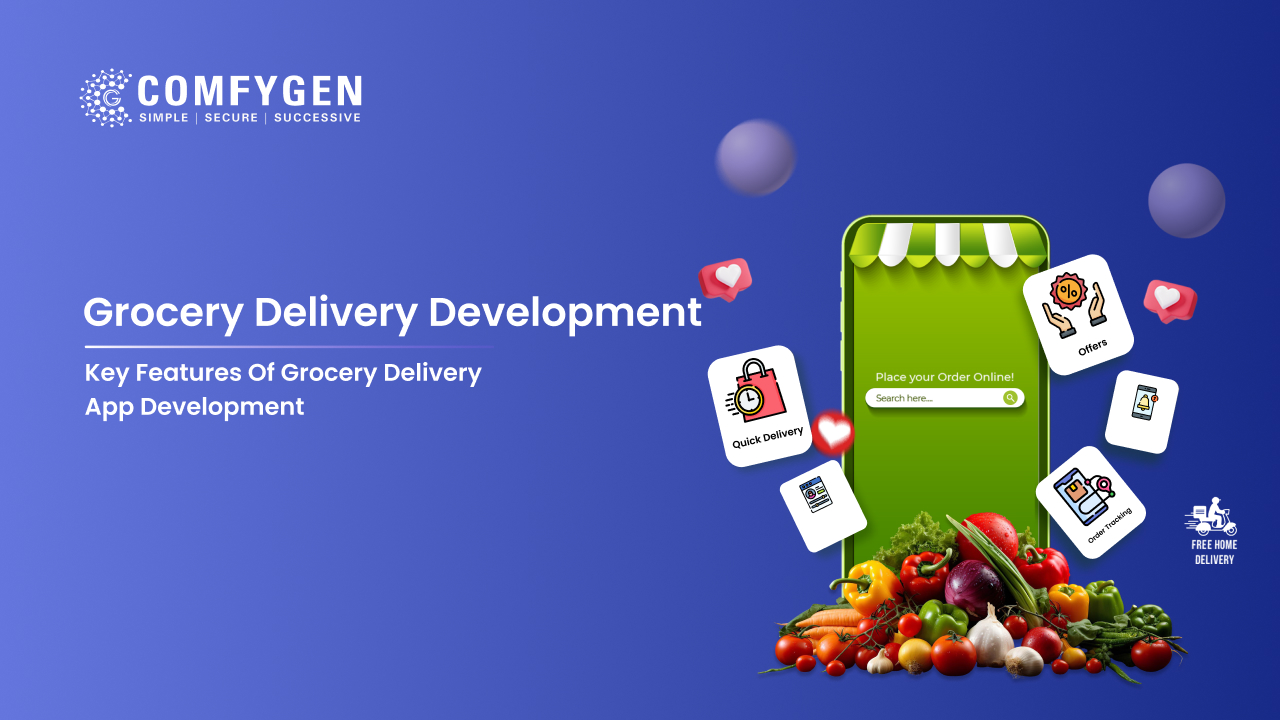





A grocery delivery app needs four panels. The customer app handles browsing, cart, slot booking, and tracking. The vendor panel handles catalog, stock, and order acceptance. The driver app handles assignment, navigation, and proof of delivery. The admin dashboard handles users, commissions, analytics, and delivery zones. Substitution handling is the one feature grocery needs that food delivery does not.
Grocery shopping moved online and stayed there. Customers now expect fresh products, a delivery slot that suits them, several ways to pay, and an app that does not hide the reorder button.
This list covers every feature worth building, split by panel, with a clear marker for what belongs at launch and what can wait.
How the Four Panels Fit Together
A grocery delivery app is four products sharing one database. An order touches all four.
The customer browses and pays. The vendor panel receives the order and a picker collects it. The driver app takes the assignment and delivers. The admin dashboard records every step and settles the money.
Miss one panel and the operation breaks somewhere. Most first builds underestimate the admin side, which is where the business actually gets run.
What to Build First, and What Can Wait
This table is the shortest route to an MVP scope. Build the left column first.
| Panel | Build at launch | Add later |
| Customer app | Registration, search, cart, checkout, slot booking, order tracking, multiple payments | Loyalty points, wishlist, subscriptions, referral rewards, gamification |
| Vendor panel | Catalog management, stock levels, order acceptance, status updates | Sales analytics, multi-store allocation, automated invoicing, promotion tools |
| Driver app | Order assignment, GPS navigation, status updates, proof of delivery | Earnings dashboard, shift scheduling, in-app chat, performance scores |
| Admin | User and vendor management, order monitoring, commission setup, delivery zones | AI forecasting, advanced reporting, multi-region tools, dynamic pricing |
Everything in the right column is worth building eventually. None of it is worth delaying launch for.
Customer App Features
This is the panel customers judge you on, so it carries the most design weight.
Registration and Login
Email, phone, and social sign-in through Google or Apple. Keep the first screen short. Asking for a delivery address before someone has seen a product loses signups.
Product Search and Filters
Grocery catalogs run past 10,000 items, so search matters more here than in most app categories. Results need to return in under a second, with filters for category, brand, dietary need, and price.
Search should handle misspellings and common alternatives. Somebody typing “corriander” still wants coriander.
Live Stock Display
Show what is actually available before the item reaches the cart. Nothing frustrates a shopper faster than reaching the checkout and finding half the basket unavailable.
This only works if the counts stay current, and teams that manage inventory in grocery delivery apps well sync with the POS rather than maintaining a separate number by hand.
Cart and Checkout
Grocery baskets hold 20 to 40 items, far more than food delivery. The cart needs quantity controls that work with one thumb, a running total, and an easy way to remove something without losing the rest.
Delivery Slot Booking
Customers pick a window. The app shows which slots still have capacity in their zone. Slots that are full should look full, not fail at checkout.
Payment Options
Cards, wallets, UPI or local equivalents, net banking, and cash on delivery where your market expects it. Loose produce needs an authorised-now, capture-later flow, because the final weight changes the total.
Substitution Preferences
Set at checkout, per item or per order. Allow a similar brand, allow a different size, or refund instead.
Live Order Tracking
Order accepted, picking, packed, out for delivery, delivered. Driver location on a map once the order leaves the store.
Reorder and Order History
The single highest-value retention feature in grocery. Weekly shops repeat, so a one-tap reorder of last week’s basket removes almost all the friction from a return visit.
Ratings and Support
Rate the order, the products, and the driver. Support access inside the app, not a phone number buried in a footer.
Vendor Panel Features
The panel store staff use during a shift. Design it for speed, not elegance.
Catalog Management
Add, edit, and remove products, usually in bulk through a spreadsheet upload. Individual editing for price changes and descriptions.
Stock Levels and Alerts
Current count per item, with low-stock alerts before something runs out. This should sync with the POS rather than being maintained by hand.
Order Acceptance and Status
New orders appear with a timer. Staff accept, then move the order through picking and packing with status updates the customer can see.
Picker Workflow
The screen a staff member holds while walking the aisles. Item list in aisle order, tick as collected, substitution prompt when something is missing. Aisle ordering saves more time than any other single change here.
Sales Reports
What sold, in what quantity, at what margin. Enough for a store manager to plan the next order without exporting anything.
Driver App Features
Built for someone holding a phone in one hand and a crate in the other.
Assignment Notifications
New delivery with address, item count, and estimated time. Accept or decline inside a short window.
Navigation
Turn-by-turn directions to the customer address, with the route sequenced if the driver is carrying several orders.
Status Updates
Picked up, on the way, arrived, delivered. Each one triggers a customer notification.
Proof of Delivery
Photo, signature, or OTP. Timestamped, because delivery disputes need evidence.
Earnings View
Completed deliveries, distance covered, and payout so far. Drivers who cannot see their earnings tend to stop taking shifts.
Admin Dashboard Features
Most founders underestimate this panel. It is where the business gets run, and it usually needs more work than the customer app.
User, Vendor, and Driver Management
Onboard, verify, suspend. Role-based access so a store manager cannot see another store’s numbers.
Order Monitoring
Every order across every store in one view, with filters for delayed, cancelled, and disputed.
Commission and Payout Rules
Set per vendor or per category. Generate settlement reports and track what is owed.
Delivery Zones and Slot Capacity
Draw zones on a map. Set how many orders each slot can hold per zone. Set minimum order values and delivery fees per zone.
Analytics and Reporting
Orders, revenue, average basket, repeat rate, and delivery times. Useful data analytics in grocery delivery apps turns those numbers into demand forecasts and restock plans instead of leaving them as a wall of charts.
Promotions and Pricing
Discount codes, category offers, free delivery thresholds. Set a floor price so nothing sells below margin.
A full admin dashboard for grocery delivery carries all six of these, which is why it often takes longer to build than the customer app it supports.
How to Handle Out-of-Stock Items
When the picker reaches an empty shelf, the app has to decide what happens next, and it has to decide fast because the picker is standing there.
This is the feature that separates grocery apps from food delivery apps. A restaurant marks a dish unavailable and the menu updates. A grocery store cannot mark 10,000 items individually every hour.
A working substitution flow has three points of control.
At checkout: The customer sets a preference per item or per order. Allow a similar brand, allow a different size, or refund instead.
On the shelf: The picker sees that preference and gets suggested replacements ranked by similarity and price. A good system suggests the closest match first, not the most expensive one.
At approval: The customer gets a push notification with the proposed swap and a countdown. Approve, reject, or refund. If they do not answer inside the window, the preset preference applies automatically.
Skip this flow and every out-of-stock item becomes a cancelled line and a support ticket. Grocery baskets average 20 to 40 items, so even a 2% out-of-stock rate touches most orders. Stock drift is the first of eight grocery delivery app development challenges that only appear once real orders start flowing.
Planning to Launch a Grocery Delivery App?
Start with the features your customers need and build an app that makes ordering groceries simple
Start Your Project
Which Features Take the Most Work
Feature count is the main thing that moves a build quote, which is why the same app can land anywhere between $15,000 and $120,000. This table shows relative effort rather than price, so you can see where scope creep does the most damage.
| Feature | Build effort |
| Product search and filters | Low |
| Cart and checkout | Low |
| Order history and reorder | Low |
| Delivery slot booking | Medium |
| Live order tracking | Medium, needs mapping and a live connection |
| Substitution flow | Medium, touches picker, customer, and payment |
| Driver dispatch and routing | Medium to high |
| Multi-vendor commission engine | High |
| POS or ERP sync | High, priced per system |
| AI demand forecasting | High, needs order history before it works |
Tier-by-tier pricing sits in the grocery delivery app development guide, alongside the timelines that go with each build size.
Features Worth Adding Later
None of these belong in a first launch. All of them earn their place once order volume gives the data something to work with.
- Personalised recommendations: Reorder prompts based on what a customer bought last month. In grocery this works better than in most categories because purchases repeat.
- Demand forecasting. Read sales history, season, and local weather to flag what will run out. Store managers get a purchase order draft instead of a spreadsheet.
- Dynamic pricing: Prices and offers adjust to demand and stock within limits you set.
- Route optimization: Groups nearby orders and sequences stops so a driver covers more drops per shift.
- Subscription plans: Monthly free delivery. Lifts order frequency more than any discount.
- Loyalty programmes: Points, tiers, and rewards. Worth building once you know what your repeat rate actually is.
How to Cut Your Feature List Down
Three questions that turn a wish list into an MVP.
Does the order complete without it? If yes, it waits. Slot booking is required. A wishlist is not.
Does it need data you do not have yet? AI recommendations need months of order history. Building them on day one gives you an empty feature.
Does it exist because a competitor has it? Copying a familiar flow is sensible. Copying a feature you cannot staff is not.
The best grocery delivery apps have already taught customers how a grocery cart should behave, so matching a familiar pattern saves real money in user education.
Building With Comfygen
Comfygen has delivered 550+ projects for 400+ clients across 30+ countries since 2019. Our grocery app development services cover custom builds, multi-vendor marketplaces, white-label launches, and clone apps modelled on Instacart, Blinkit, Zepto, and BigBasket.
Every project ships with the source code in your name and a signed NDA from the first call.
Frequently Asked Questions
What are the must-have features of a grocery delivery app?
How many panels does a grocery delivery app need?
What is substitution handling and why does it matter?
Which features should I skip in an MVP?
Do I need AI features in a grocery app?
Which feature has the biggest effect on repeat orders?

Mr. Saddam Husen, (CTO)
Mr. Saddam Husen, CTO at Comfygen, is a renowned Blockchain expert and IT consultant with extensive experience in blockchain development, crypto wallets, DeFi, ICOs, and smart contracts. Passionate about digital transformation, he helps businesses harness blockchain technology’s potential, driving innovation and enhancing IT infrastructure for global success.